Connectors and local code connectors
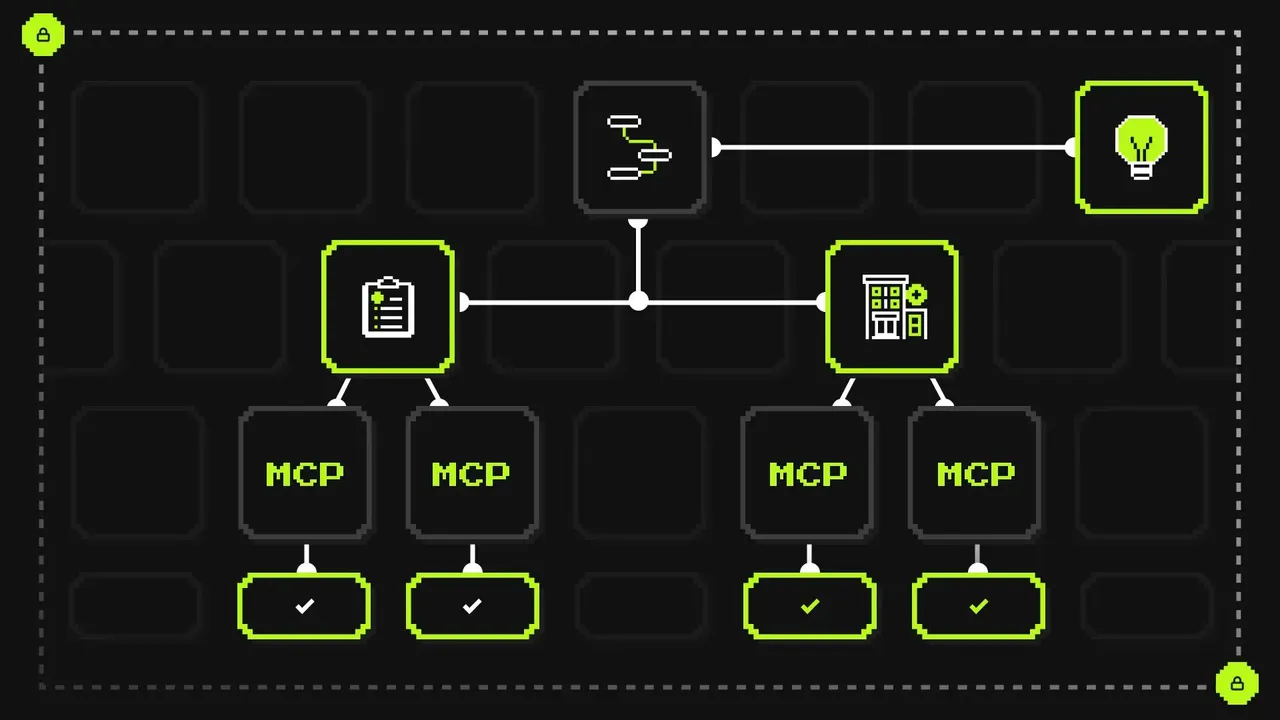
An agent's capabilities come from its connectors. There are five types in a single connectors array:
registry: Corti-hosted connectors, such as literature search, drug databases, and coding.mcp: any MCP server you run or subscribe to.agent: another Corti agent.a2a: any external A2A-compliant agent.schema: a tool defined by a JSON Schema and executed by you.
The registry is browsable over the API. You can list the available connectors and attach the ones you need. Connectors are a sub-resource of the agent at /agents/{id}/connectors, so adding or removing one doesn't mean rewriting the whole agent definition.
const page = await client.agentic.registry.connectors.list({ pageSize: 100 });

await client.agentic.agents.connectors.create(agentId, {
  type: "registry",
  name: page.data[0].id, // the registry entry id is the connector name
});
Local code connectors keep execution on your side. A local code connector is a schema connector with transition: "input_required". The agent sees the tool's schema, decides when to call it, and fills in the arguments. When it calls the tool, the task pauses in TASK_STATE_INPUT_REQUIRED and the arguments are stored as a data part. Your code runs the tool and resumes the same task by sending the result with the task's taskId.
await client.agentic.agents.connectors.create(agentId, {
  type: "schema",
  name: "lookup_local_medications",
  description: "Fetch the patient's active medications from the caller's local EHR.",
  transition: "input_required", // pause the task; the caller runs the tool
  schema: {
    type: "object",
    properties: { reason: { type: "string" } },
    required: ["reason"],
  },
});
The tool's implementation never leaves your system. This suits data you can't expose to a hosted service, such as an on-premise EHR, an internal formulary, or a system behind your network boundary. You don't need to stand up and host an MCP server to get it.
Streaming
message:stream returns server-sent events. Each event carries exactly one of task, statusUpdate, artifactUpdate, or message.
The answer arrives as artifactUpdate deltas:
append: trueextends the artifact with the next tokens.- A closing event with
lastChunk: trueandappend: falsereplaces the accumulated deltas with the canonical text. Citation metadata attaches to this final version.
If the agent writes text before a tool call, that text arrives as a separate artifact tagged metadata.type: "intermediate-thinking". It isn't part of the answer, so don't render it as one.
A stream ends on a terminal status (completed, failed, canceled, rejected) or an interrupted one (input-required, auth-required). Interrupted tasks aren't finished. You resume them by sending another message with the same taskId. That is also how a local code connector call works.
const stream = await client.agentic.agents.streamMessage(agentId, { message });
for await (const event of stream) {
  // fold task / statusUpdate / artifactUpdate / message events into UI state
}

// The task paused on the local tool: run it and resume the same task.
await client.agentic.agents.streamMessage(agentId, {
  message: {
    role: "ROLE_USER",
    contextId,
    taskId, // same task, resumed
    parts: [{ data: localToolResult }],
  },
});
On A2A v1.0, a completed status carries no answer message. Read the answer from the completion artifact. See Stream responses for the full event reference.
Citations
When the agent answers from connector data, the completion artifact's text part carries metadata.citations. Each citation has three fields:
data_part_id: the source, a sibling data part in the same artifact identified bymetadata.dataPartId.offset: where in the answer the citation belongs.locator: which part of the source is cited.
Offsets count characters (code points) across the joined text of all text parts, so index into Array.from(text) rather than the UTF-16 string. A locator starting with / is a JSON Pointer into the data part's value, and a locator like L8-L13 is a line range. If a locator doesn't resolve, cite the whole part.
const chars = Array.from(parts.map((p) => p.text ?? "").join(""));
const sources = new Map(
  parts.filter((p) => p.metadata?.dataPartId).map((p) => [p.metadata.dataPartId, p]),
);

for (const c of citations) {
  const source = sources.get(c.data_part_id);
  // insert a footnote marker at chars[c.offset] that reveals the cited source
}
This lets a clinician check any claim against the record or reference it came from, without leaving your interface. Citations only appear when the answer used connector data. When the model answers from its own knowledge, the text has no citations, and your UI can show that difference.
Feedback API
Feedback is a resource on the task at /contexts/{id}/tasks/{taskId}/feedback. Each entry has:
- a binary rating;
- up to five structured labels, such as
missingInformationorunsupportedClaim, whereotherrequires a reason; - an optional free-text reason;
- an optional target: the whole task, or a single message via
target.messageId.
metadata records provenance: the collection method, a client reference, and an actor.externalId. The actor ID must be pseudonymous. Never put a name, email, or MRN in it.
await client.agentic.contexts.tasks.feedback.create(contextId, taskId, {
  rating: { scale: "binary", value: 0 },
  labels: ["missingInformation", "unsupportedClaim"],
  reason: "Didn't account for the anticoagulant.",
  target: { messageId: agentMessageId },
  metadata: { collectionMethod: "thumbs", actor: { externalId: "user-7f3a91c2" } },
});
Because feedback is stored against the task, every rating points to the exact run that produced the answer. You can review a negative rating next to its trace instead of trying to reconstruct what happened. Listing feedback returns only the caller's own entries, newest first.
Traces
GET /contexts/{id}/trace exports a context as OpenInference traces. Traces come back newest first, with spans inline and pagination via pageSize and pageToken.
Each span has a parent_span_id, timing, and flat attributes:
openinference.span.kind:CHAIN,LLM, orTOOLllm.token_count.*tool.nameinput.valueandoutput.value
let page = await client.agentic.contexts.trace(contextId, { pageSize: 100 });
const items = [...page.data];
while (page.hasNextPage()) {
  page = await page.getNextPage();
  items.push(...page.data);
}
Rebuild the tree from parent_span_id to see which LLM calls and connector calls a run made, in what order, and how long each took. To get the token total, sum llm.token_count.* over LLM spans only, because CHAIN spans can carry aggregates of their children.
OpenInference is an open format, so you can load the export into any observability tool that reads it. Trace ingestion can lag the task by a few seconds, so retry if the result is empty.
Open-source evals
A YAML suite describes each case: the agent and its connectors, the message or sequence of messages, and the expected result.
evals:
  - name: medication_safety_check
    type: sequential
    agent:
      name: "Medication safety (eval)"
      connectors:
        - type: registry
          name: drugbank
        - type: schema
          name: lookup_local_medications
          transition: input_required
    steps:
      - name: ask
        expectations:
          expected_state: input-required
      - name: return_local_tool_result
        expectations:
          expected_state: completed
          must_include:
            - warfarin
          trace:
            - kind: TOOL
              name: lookup_local_medications
uv run agent-evals run <suite> --env eu provisions the agent, sends the messages, and scores the result. You can test against three kinds of expectation:
- The final task state.
- Required content.
must_includematches whole words, case-sensitively, against the task. - The trace. For example, "the run called this tool exactly once".
A run that pauses on a local code connector becomes a sequential case. The first step expects input-required and passes its taskId to the next step, which sends the tool result.
Checking the trace means a passing eval proves the agent used the right tools to get the right answer, not just that the answer contained the right word. Run the suite in CI and you'll find out when a prompt change, a connector change, or a model update changes behavior, before your users do.
How the features fit together
All six features describe the same run.
- Connectors set which systems the agent can reach, including ones only your code can reach.
- Streaming shows the answer as it's generated, and pauses for local tool calls.
- Citations link each claim in the answer to the connector data behind it.
- Feedback records whether the answer was good, against the exact task.
- Traces record how the answer was produced: every LLM call, tool call, and token count.
- Evals turn that run into a test you can repeat on every change.
Getting started
- API Docs: docs.corti.ai
- SDK:
npm install @corti/sdk